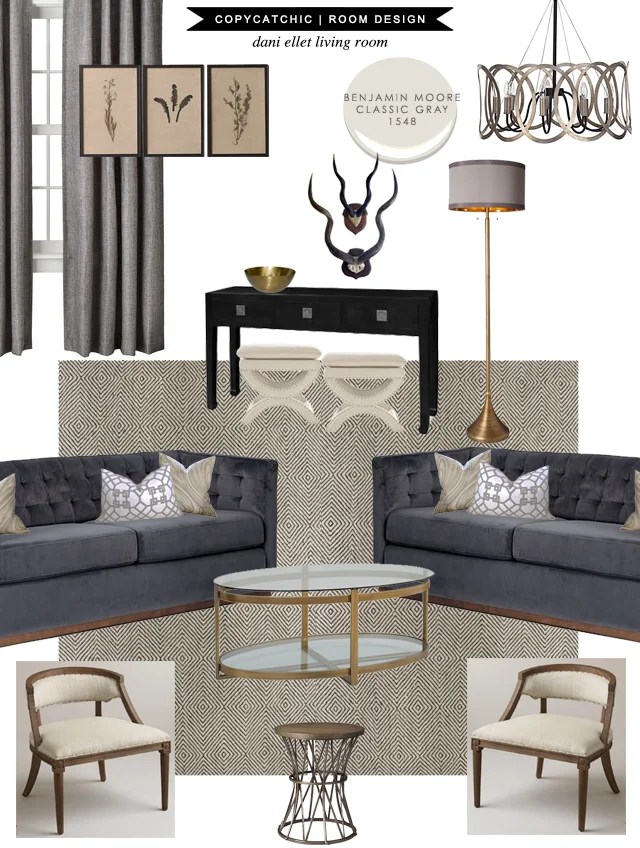
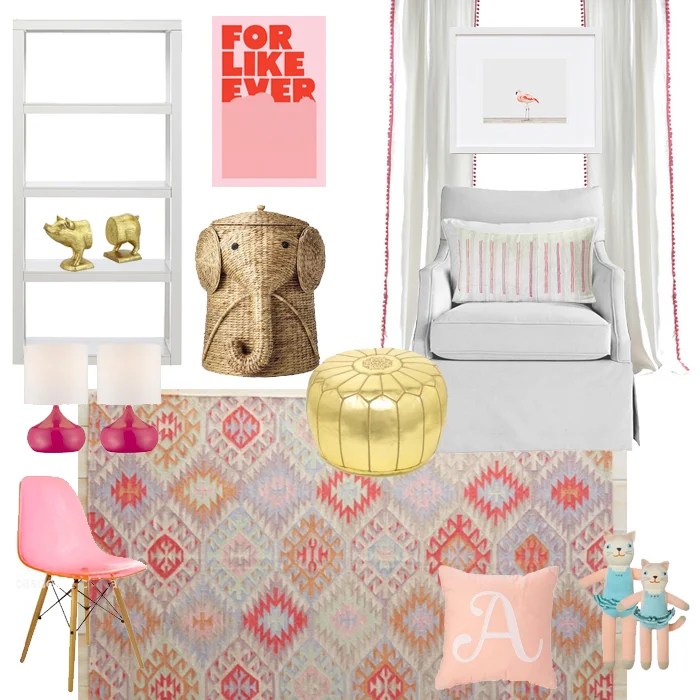
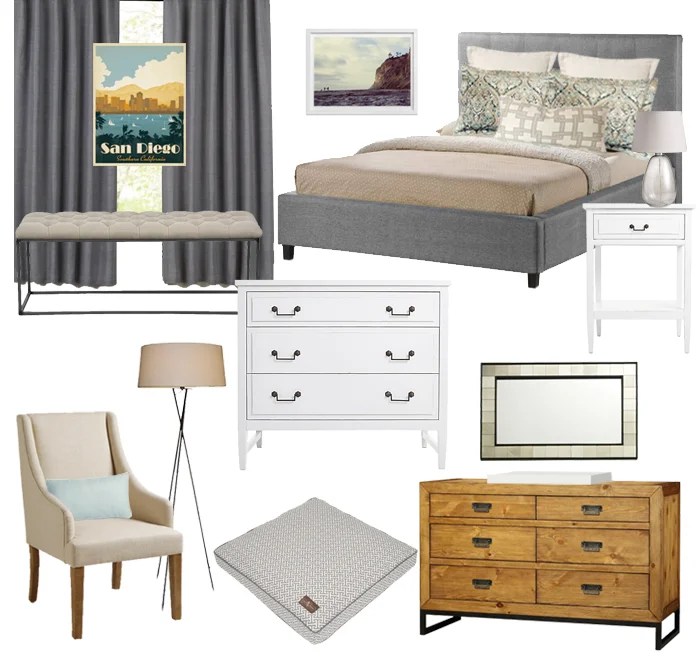
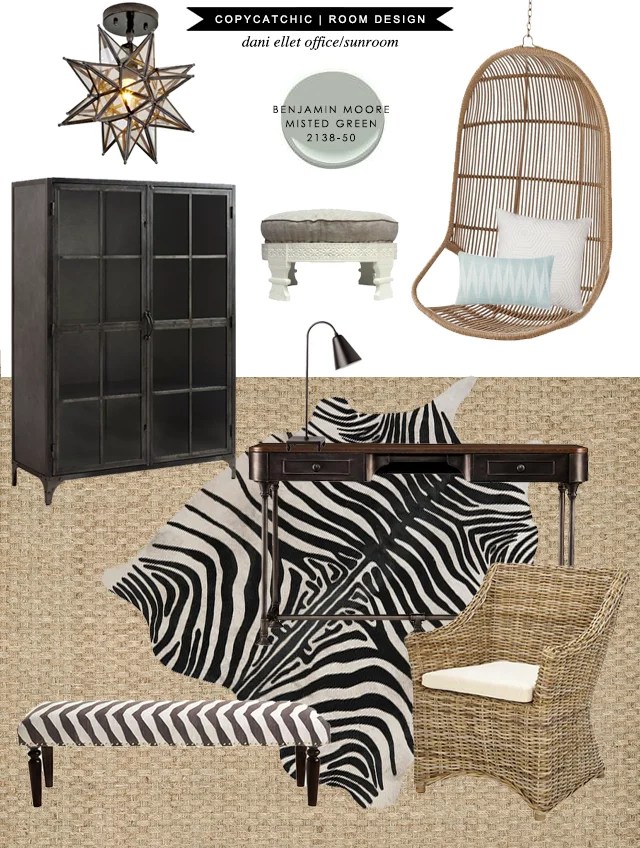
It’s been a month or two now since I’ve reopened our e-design service! I wanted to show you some of the designs the team and I have come up with 🙂 Creating room designs for our amazing clients is really just the icing on the cake. Here are some of my favorites. Of course you can always check them all out on my room design portfolio.
These are just a few of the designs we’ve created in the last couple of months. What do you guys think?
I also wanted to take a moment to talk to you about what I use to create these design boards, layouts, collages and pictures. I’ve had quite a few of you email or message me asking what program or software I use, so I figured I’d talk about it AND introduce you to this post’s sponsor:
I was so excited to hear that Adobe wanted to work with me because I’m a huge endorser of their products. Big time. I studied computer graphics in college, so I’ve been using Adobe for years. But I’m not a graphic designer now, I’m a blogger. Can you believe I use Adobe more than I ever did at any previous job I’ve ever had? Truth! I use Adobe Creative Cloud, most specifically Adobe Photoshop for my design boards and blog graphics, Adobe Illustrator for layouts and Lightroom to help organize all of my photography.
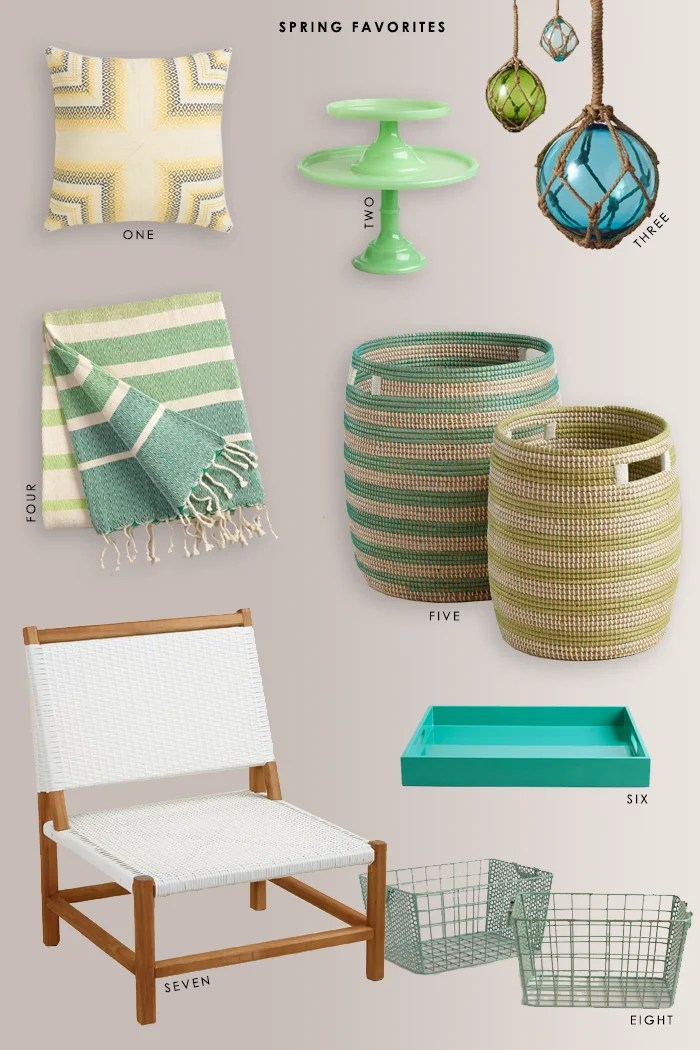
For example, Photoshop helps me create amazing side-by-sides like this:
Or create collages like this one:
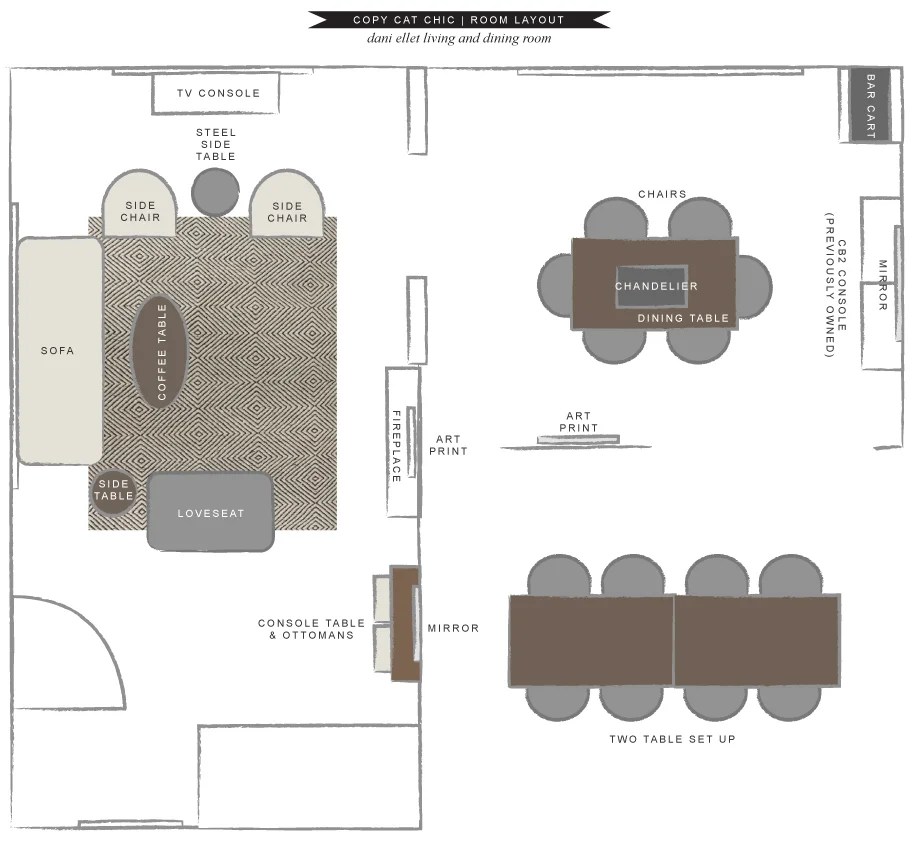
And with Illustrator I can make layouts a little more fun…
There’s a little bit of a learning curve when using Adobe programs, but once you take the time to learn it, you are golden. With Adobe apps you have so much more flexibility, control and capability than you’d have using other photo editing programs or websites.
Previously, buying Adobe software has come with a case of sticker shock, but now with Adobe Creative Cloud, there are a variety of different options and plans for pretty much any budget. There are bundles for students, photographers, and small and medium business. Plans start at $9.99/month. Here are the different plans you can choose as well as their costs.
And for a limited time only you can get Adobe Photoshop CC and Lightroom for $7.99/month! Click here to learn more.

Thank you for supporting Copy Cat Chic and our generous sponsors that make this blog possible!


The Adobe CC link just takes you to their normal pricing (nothing says $7.99/month… just $9.99). Is there a different link or a code or something? Thanks!
Hi Elizabeth! It was a limited time offer 🙁 Sorry!
beautiful rooms! can you please tell me where i can get the 2 french linen nailhead chairs in the first picture?
They were from World Market 🙂 Not sure if they're still in-stock or not though!
thanks so much!